LOAD
Before departure
- Confirm Steam 1.0 / current patch
- Read objective, failure text, and skull tooltip
- Pick a faction/story reason
- Set a loss limit for gear and cargo
Steam 1.0 · Start here
Your first job is not to find a perfect build. It is to read one contract correctly, risk gear you can replace, and leave before greed writes the mission report for you.
A five-step contract read
Use this order whenever a contract looks tempting but the cost is unclear. It is a decision aid, not a guaranteed build or success recipe.
CHECK 1 / 5
For this guide, use the Steam 1.0 release branch. Do not copy mission facts from Unstable Beta: the branch has no reviewed mission records here.
CHECK 2 / 5
Write down the faction relationship, Stock Exchange item, or story direction you actually want. A faction is a route choice, not a permanent best answer.
CHECK 3 / 5
Compare the mission's Solar System skull and tooltip with your current supplies and margin. The skull is a relative warning, not a public success formula.
CHECK 4 / 5
Say what must be completed, what can fail the contract, and what the mission type expects. If any part is unknown, mark it as a check in-game.
CHECK 5 / 5
Before launch, decide which gear, cargo, implants, and time you can afford to lose. If extraction loss would end the run, choose a lower-risk contract.
Keep the pain useful
These are reading failures, not a weapon tier list. Fixing them keeps the guide useful when balance changes.
Patch 1.0.1 made skulls a clearer relative comparison across the Solar System. It did not publish a success formula. Objective, failure condition and what you carry still matter.
The preparation screen now makes the benefiting faction clearer. Pause there: a contract is also a relationship and story decision, not only a loot room.
Steam's official loop is blunt: extraction keeps the haul; death loses what the mercenary carried. Build a replaceable working kit before testing treasure.
One more room has an invisible price: ammunition, medicine, time and a route back. Decide the exit condition before the first door opens.
Patch 1.0.4 & 1.0.2 · Verified Tactical Intel
Patch 1.0.2 added sorting, while Patch 1.0.4 overhauled corridor movement, ally swapping, and damage immunity tracking.
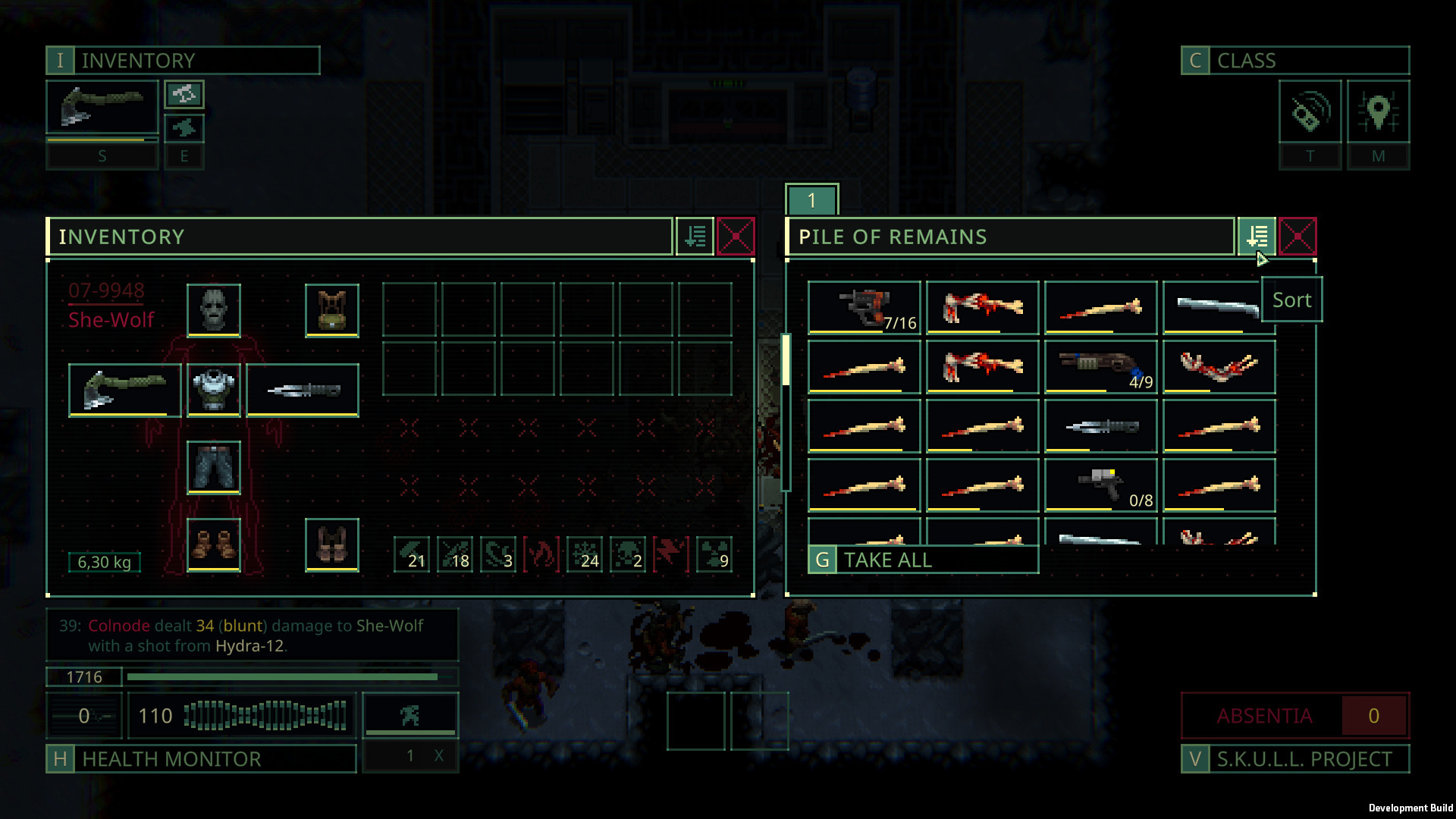
Practical raid survival
In Quasimorph, 90% of beginner deaths come from status conditions rather than direct bullet damage. Carry the remedy before opening the door:
Threat: Depletes HP every AP spent. Running while bleeding causes rapid death within two turns.
Direct Counter: Bandages, Hemostatic Powder, or Medkits. Never advance into fog-of-war before clotting wounds.
Threat: A broken leg slows you to a crawl; a broken arm prevents firing 2-handed weapons or drastically degrades accuracy.
Direct Counter: Splints (Fixatives) + Morphine for pain shock. Retreat to elevator if your firing arm is crippled.
Threat: Untreated dog scratches, contaminated food, and Quasimorphic acid pool exposure build toxic poison levels.
Direct Counter: Sorbent, Antibiotics, Purified Water. Check Resistances panel for damage immunity thresholds.
Threat: Fire ignites clothing and ammo, dealing continuous thermal damage and panicking the clone.
Direct Counter: Extinguish status immediately, keep fire-resistant armor, and never end turns standing on scorched tiles.
Where to go next
Historical release migration · 31 July 2026
Saves from the former default branch were not compatible with 1.0, while saves from the pre-release Unstable Beta were compatible. That was a launch migration rule—not a promise that every future Beta save will move forward.
Video boundary: we did not find a complete, current Steam 1.0 tutorial from an official source. Release footage can show the game’s pace, but it cannot replace the current contract screen. The community guide below was published at launch, before Patch 1.0.1 and 1.0.2; use it for orientation, then let your installed build settle any mechanical disagreement.